Drive Thru Empire Players Hub
Community-minded review angles, tips, and fixes for MIGMIG’s roadside idle tycoon—not a Roblox roster.
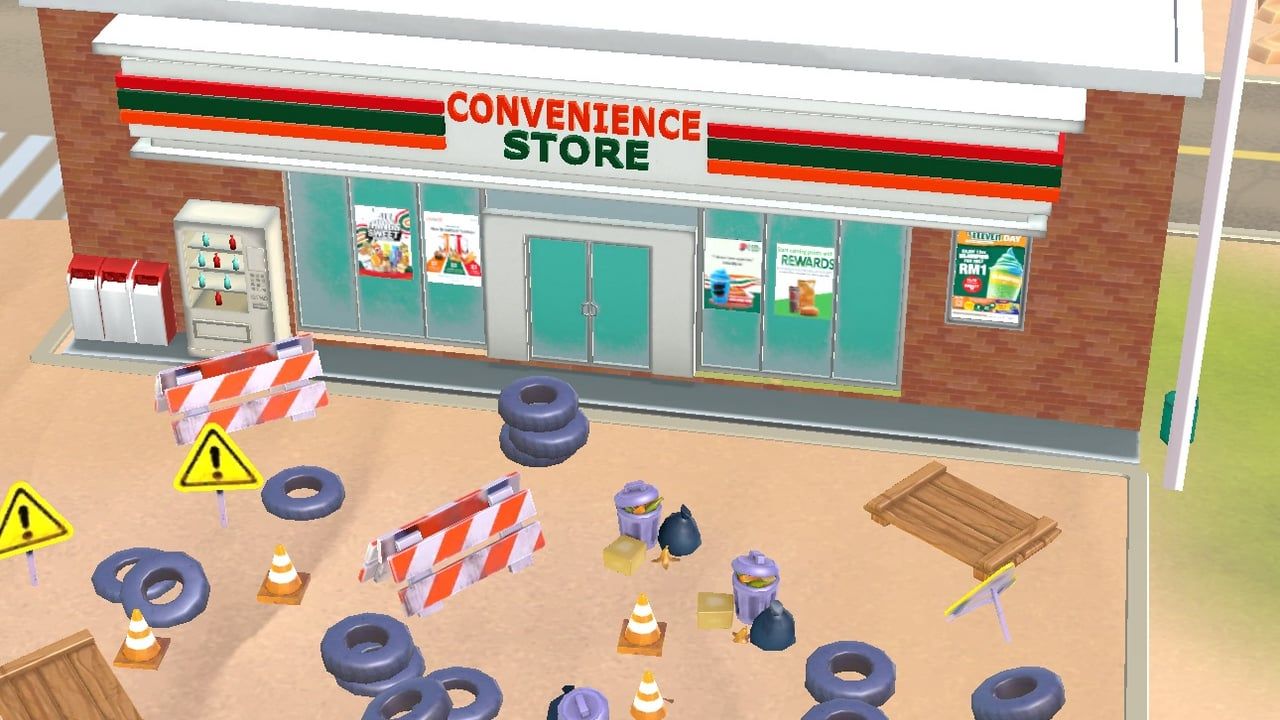
The Players Hub covers how real managers experience Drive Thru Empire: what App Store reviews praise, what they roast, which habits keep Route 66 fun, and how to unstick common live-service pains. This is not a character roster—there is no hero gacha here—just roadside businesses, Stars, Workshop cards, Prestige, and Victor Steele pressure.
Deep dives:
- Review — featured sentiment breakdown (ads, depth, gems, offline bugs, No-Ads outcomes).
- Tips — practical session habits that pair with upgrade priority.
- Troubleshooting — ordered fixes for No-Ads restores, offline cash misses, stuck popups, Arizona→Texas gates, reinstall timing, and when to contact MIGMIG.
New players should still begin at Getting Started. Spenders should read the IAP guide before trusting a popup. Idle setup details live in offline earnings.
Who this hub is for
- Players deciding whether the 4.7-star average matches their tolerance for ads
- Managers stuck after maxing early buildings and wondering if Prestige or patience is next
- Anyone fighting ads-after-purchase, empty offline piles, or unclosable offer windows
- Anyone burned by fake “Drive Thru Empire codes” lists (see codes)
- Returning managers after the 1.33 level pulse—start at What’s New or version history
Community themes at a glance
Praise: satisfying tap-to-serve loop, sun-baked cartoon Route 66 vibe, expansion fantasy across motel/restroom/EV/store, offline promise when it works, Game Center bragging rights.
Pain: ad frequency, uneven depth after early maxes, gem sink confusion, offline collection misses, occasional No-Ads entitlement bugs, stuck offer popups (called out in 1.26 / 1.27 fix notes for some users), and soft-lock feelings on Arizona→Texas expansion.
We document both sides so you can set expectations—not to dunk on MIGMIG or to sell packs. When a complaint matches your session, jump to troubleshooting before rage-buying gem packs.
How to use reviews without spiraling
- Sort by recent after you update—old ad bugs may predate a fix train.
- Separate “I finished content” complaints from “purchase failed” complaints.
- Translate complaints into actions: ads → comfort IAP or shorter sessions; depth → Prestige/cards/areas; offline → automation + troubleshooting; popups → update past 1.27-era fixes.
- Never translate complaints into gem-generator sideloads or Roblox code tables.
Link map
- Review — featured analysis.
- Tips — habits and mitigations.
- Troubleshooting — restore, offline, popup, and map-gate playbooks.
- Prestige checklist — when resets answer “I’m done.”
- Updates Hub — whether your bug already has a build.
- Tier List Hub — spend less time stuck.
Play the highway you have, patch when MIGMIG ships, and let community signal sharpen your plan—not replace it.
When you are ready to optimize again, jump back to upgrade priority or the prestige checklist and keep the roadside empire moving.
Frequently Asked Questions
Quick answers to the most common questions.
Is this a character database?
No. Drive Thru Empire is an idle tycoon. This hub focuses on player experience, reviews, tips, and troubleshooting.
Where do I read the full review breakdown?
Open the featured review page for ads, depth, gems, offline, and IAP themes.
Where are practical tips?
See tips for session habits that pair with upgrade and Prestige guides.
Where do I fix No-Ads, offline cash, or stuck popups?
Open the featured troubleshooting guide for ordered checks and support timing.
Do players get gift codes from the community?
No verified public codes are confirmed. Ignore Roblox lists; watch the Codes Hub.